


Create an Auth0 Application
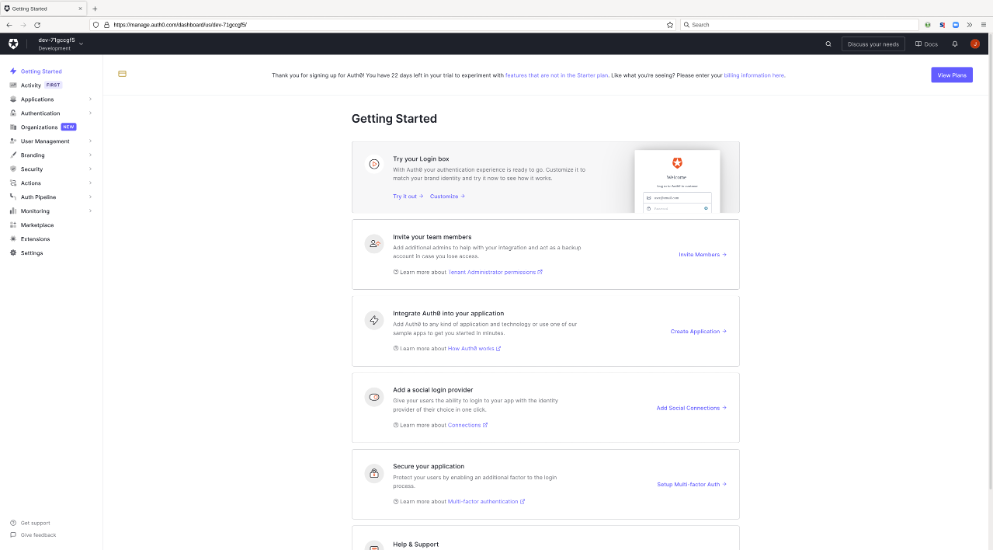
- Create an authentication application for BloodHound Enterprise in Auth0.
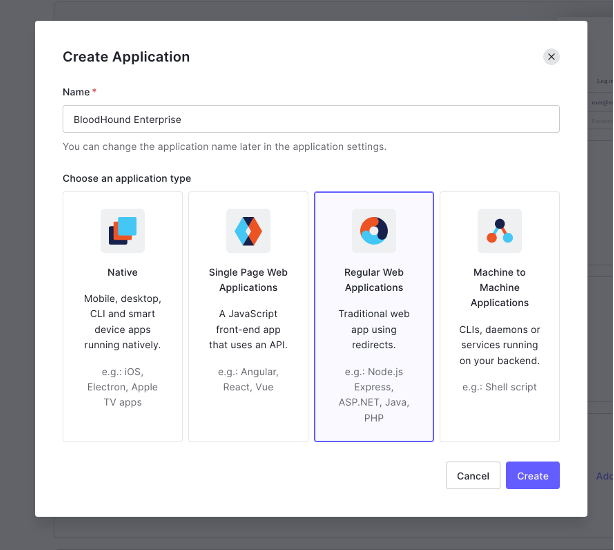
- Assign a recognizable name to the application and select the integration option for “Regular Web Application.”
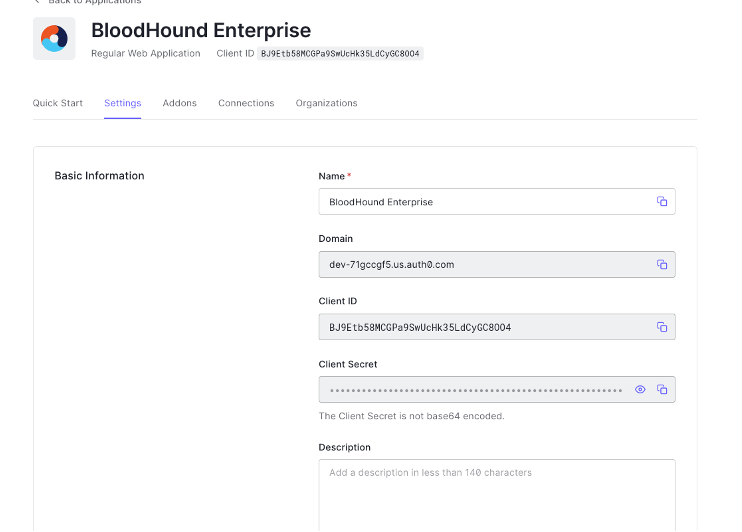
- After the creation of the application in Auth0 you should see the application details page.
- Click on the “Addons” tab.
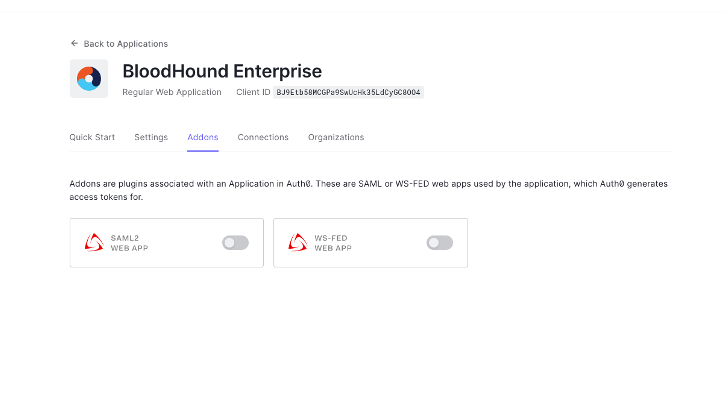
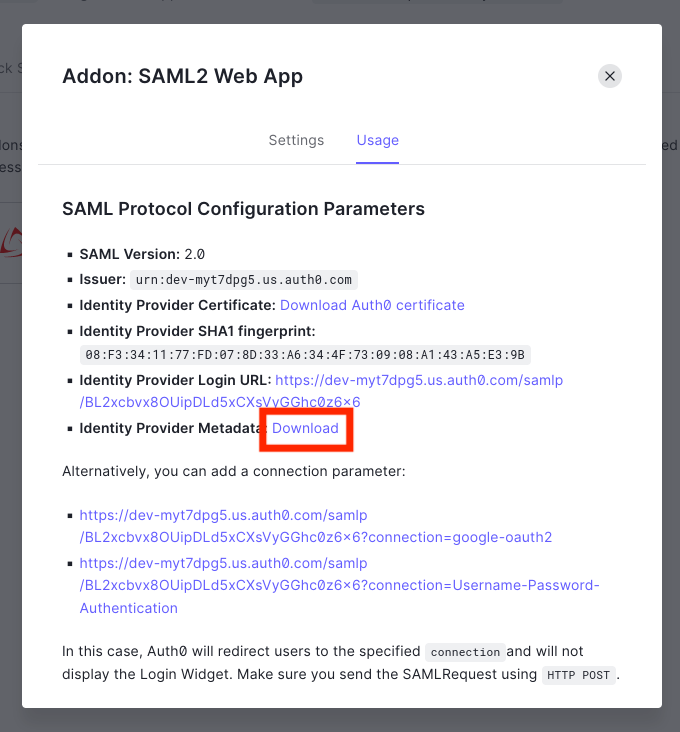
- Enable the “SAML2 Webapp” toggle and download the Identify Provider Metadata file.
- Follow the instructions at SAML in BloodHound Enterprise to create the SAML provider in BloodHound Enterprise.